Related Videos and Watch Next - CodeTube #8
In the previous episode, we built the watch page with a video player and metadata display. The page works — you can click a video on the home page and see its details. But something important is missing: related videos.
On YouTube, the “Up next” / “Related videos” section is a key part of the experience. It keeps users engaged by suggesting videos from the same category. In this episode, we’ll implement this feature end-to-end — from the data model (adding categories to our videos) through the backend API (querying related videos) to the frontend component (displaying them on the watch page).
Let’s dive in!
Requirements
Gherkin
YouTube
Frontend
Data model
To show related videos, we need to know which category each video belongs to. We’ll add a Category type and extend our Video model with description and category fields.
Category
web/app/Home/category.ts
export interface Category {
  id: number;
  title: string;
}
We define the category list based on the YouTube Data API categories (see the Backend section for details).
web/app/Home/categories.data.ts
import { Category } from "./category";

export const CATEGORIES: Category[] = [
  { id: 1, title: "Film & Animation" },
  { id: 2, title: "Autos & Vehicles" },
  { id: 10, title: "Music" },
  { id: 15, title: "Pets & Animals" },
  { id: 17, title: "Sports" },
  { id: 19, title: "Travel & Events" },
  { id: 20, title: "Gaming" },
  { id: 22, title: "People & Blogs" },
  { id: 23, title: "Comedy" },
  { id: 24, title: "Entertainment" },
  { id: 25, title: "News & Politics" },
  { id: 26, title: "Howto & Style" },
  { id: 27, title: "Education" },
  { id: 28, title: "Science & Technology" },
  { id: 29, title: "Nonprofits & Activism" },
];
Video
web/app/Home/video.ts (diff)
+import { Category } from "./category";
import { Channel } from "./channel";

export interface Video {
  id: string;
  title: string;
  thumbnail: string;
  duration: string;
  url: string;
  publishedAt: string;
+ description: string;
  channel: Channel;
+ category: Category;
}
Each video in our seed data now includes a description and a category reference.
web/app/Home/videos.data.ts (diff)
+import { CATEGORIES } from "./categories.data";
import { CHANNELS } from "./channels.data";
import { Video } from "./video";

const channel = CHANNELS[0];

export const VIDEOS: Video[] = [
  {
    id: "q9Gm7a6Wwjk",
    title: "The Amazing World of Octopus!",
    thumbnail: "/videos/q9Gm7a6Wwjk/q9Gm7a6Wwjk.png",
    duration: "PT0M6.214542S",
    url: "/videos/q9Gm7a6Wwjk/q9Gm7a6Wwjk.mp4",
    publishedAt: "2025-03-03T15:58:23Z",
+   description:
      "Hey there! Today we're going to explore the amazing world of octopuses.",
    channel,
+   category: CATEGORIES.find((c) => c.title === "Pets & Animals")!,
  },
  // ... (32 videos total with description + category added)
];
Related/Watch Next
Backend
Get related
We will get a list of videos from the same category, starting from the newest ones and excluding the video we are currently watching.
Category
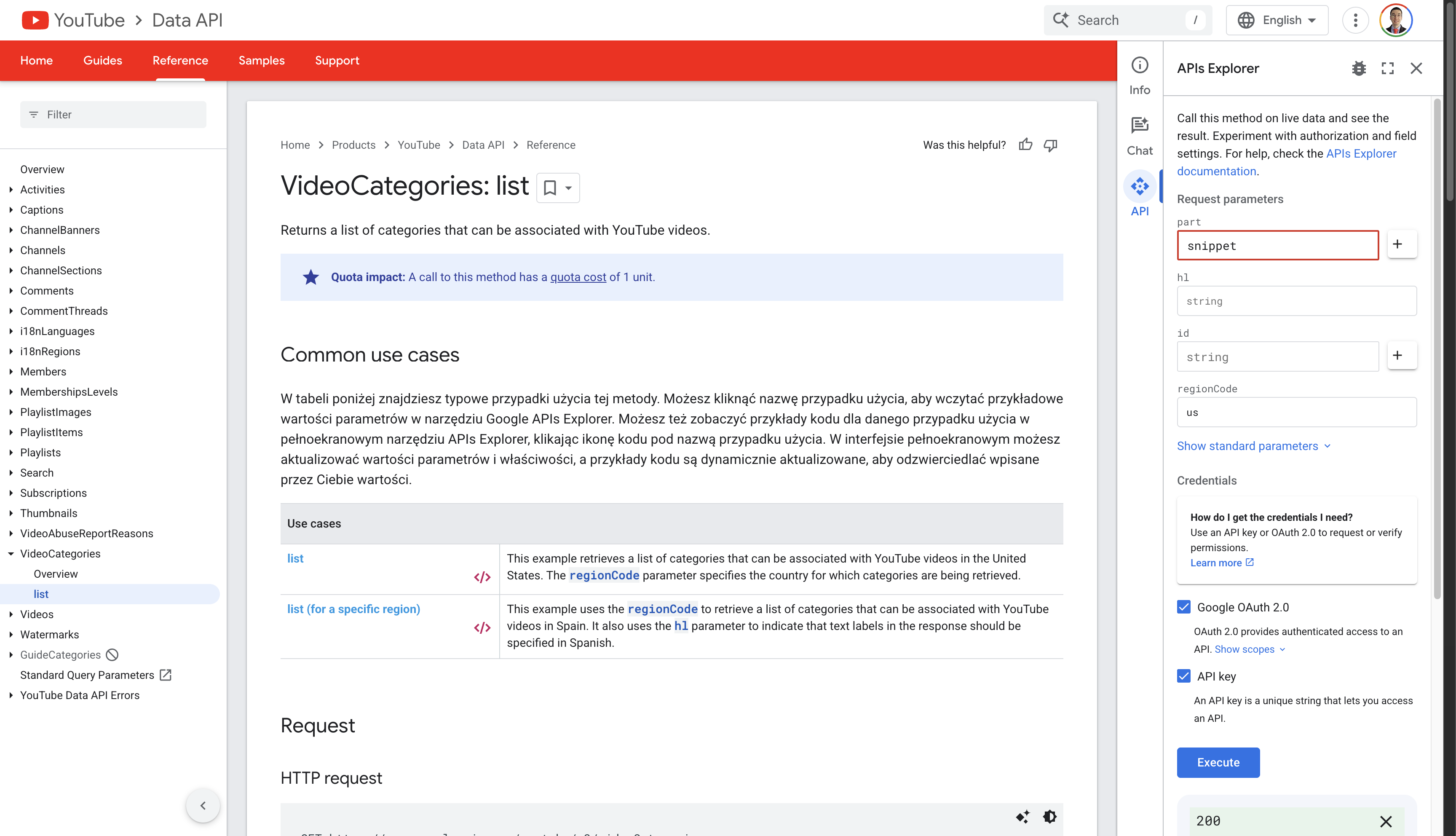
The category IDs and titles we use are based on the YouTube Data API - VideoCategories: list endpoint.
| ID | Title |
|---|---|
| 1 | Film & Animation |
| 2 | Autos & Vehicles |
| 10 | Music |
| 15 | Pets & Animals |
| 17 | Sports |
| 19 | Travel & Events |
| 20 | Gaming |
| 22 | People & Blogs |
| 23 | Comedy |
| 24 | Entertainment |
| 25 | News & Politics |
| 26 | Howto & Style |
| 27 | Education |
| 28 | Science & Technology |
| 29 | Nonprofits & Activism |